
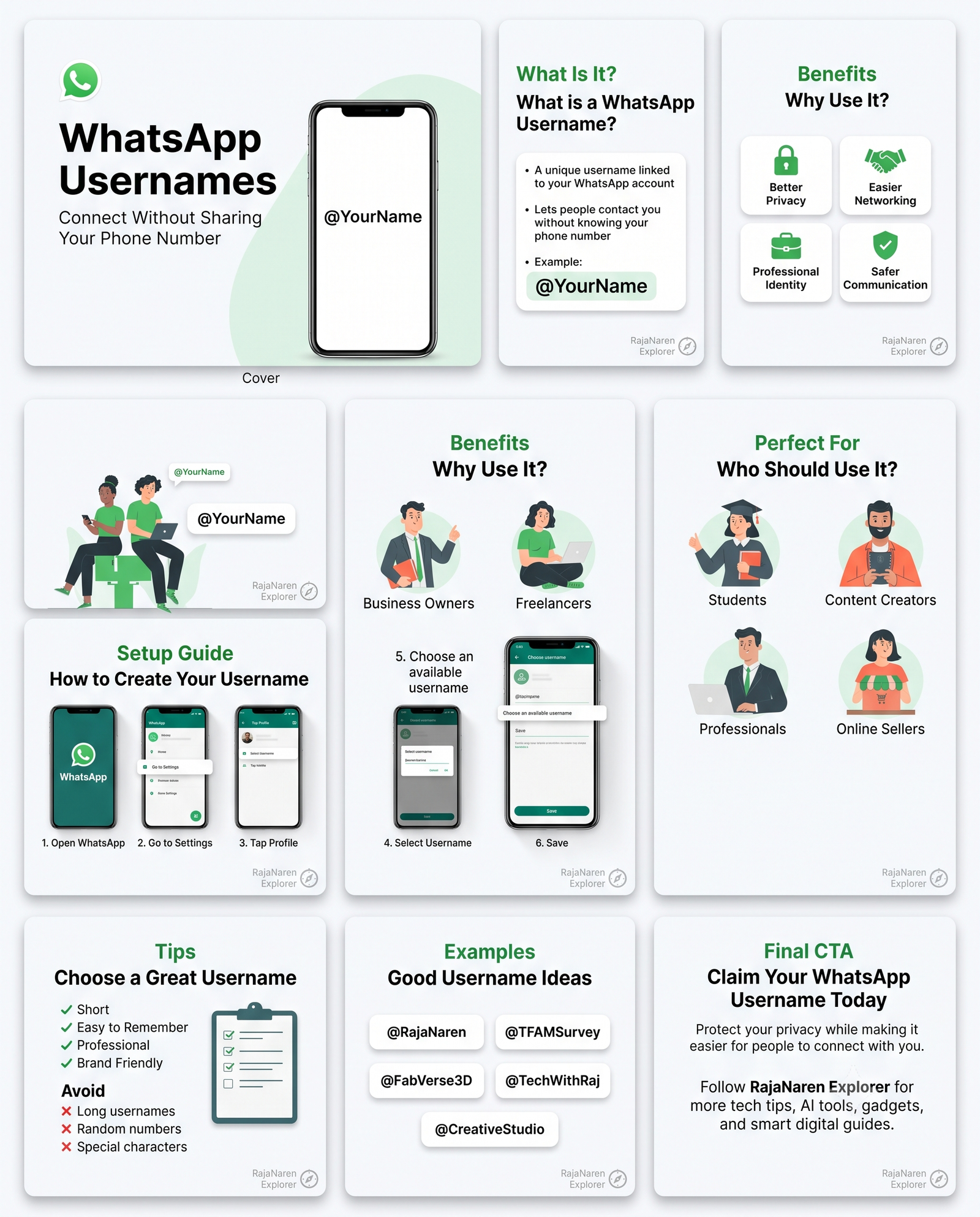
WhatsApp has introduced Usernames, allowing users to chat without revealing their phone numbers. Instead of sharing your mobile number, you can simply share a unique username like @YourName.
Why It Matters
Using a username offers several benefits:
- 🔒 Better privacy by keeping your phone number private.
- 🤝 Easier networking with clients and new contacts.
- 💼 A more professional identity for businesses.
- 📲 Simple to share on websites, business cards, and social media.
How to Create a Username
If the feature is available on your account:
- Open WhatsApp.
- Go to Settings → Profile.
- Tap Username.
- Choose an available username and save it.
Note: The feature is being rolled out gradually, so it may not be available to everyone yet.
Tips for Choosing a Good Username
- Keep it short and easy to remember.
- Use your name or brand name.
- Avoid unnecessary numbers and symbols.
Examples:
- @rajanarenr
- @FabVerse
Final Thoughts
WhatsApp Usernames are a welcome addition for both individuals and businesses. They improve privacy, make sharing contact details easier, and help create a more professional online presence. If the feature is available for your account, it’s worth setting up a username that represents you or your brand.
Don’t forgot to grab yours .